You can check the status of:
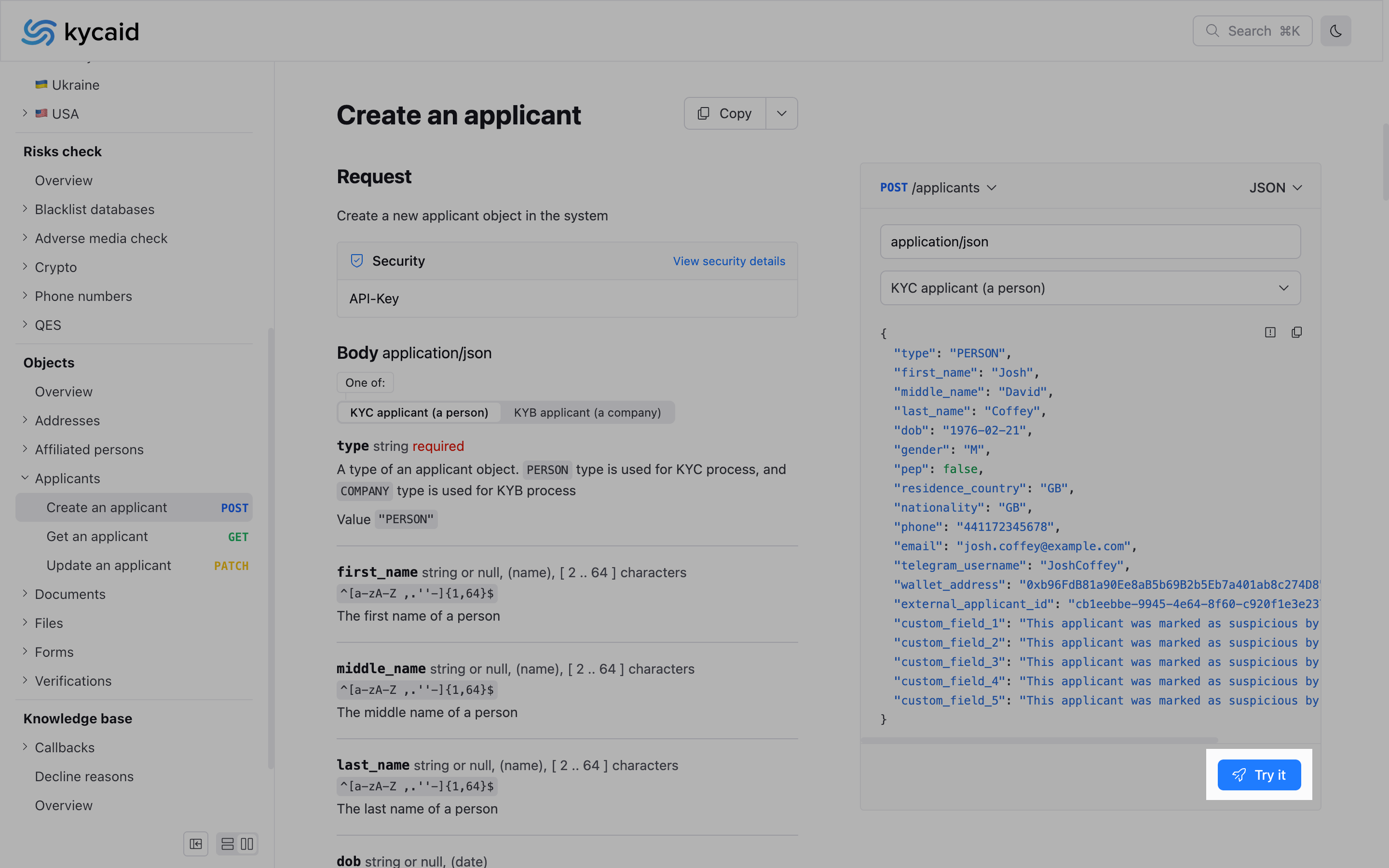
- Click the Try it button under a request to open Try it console
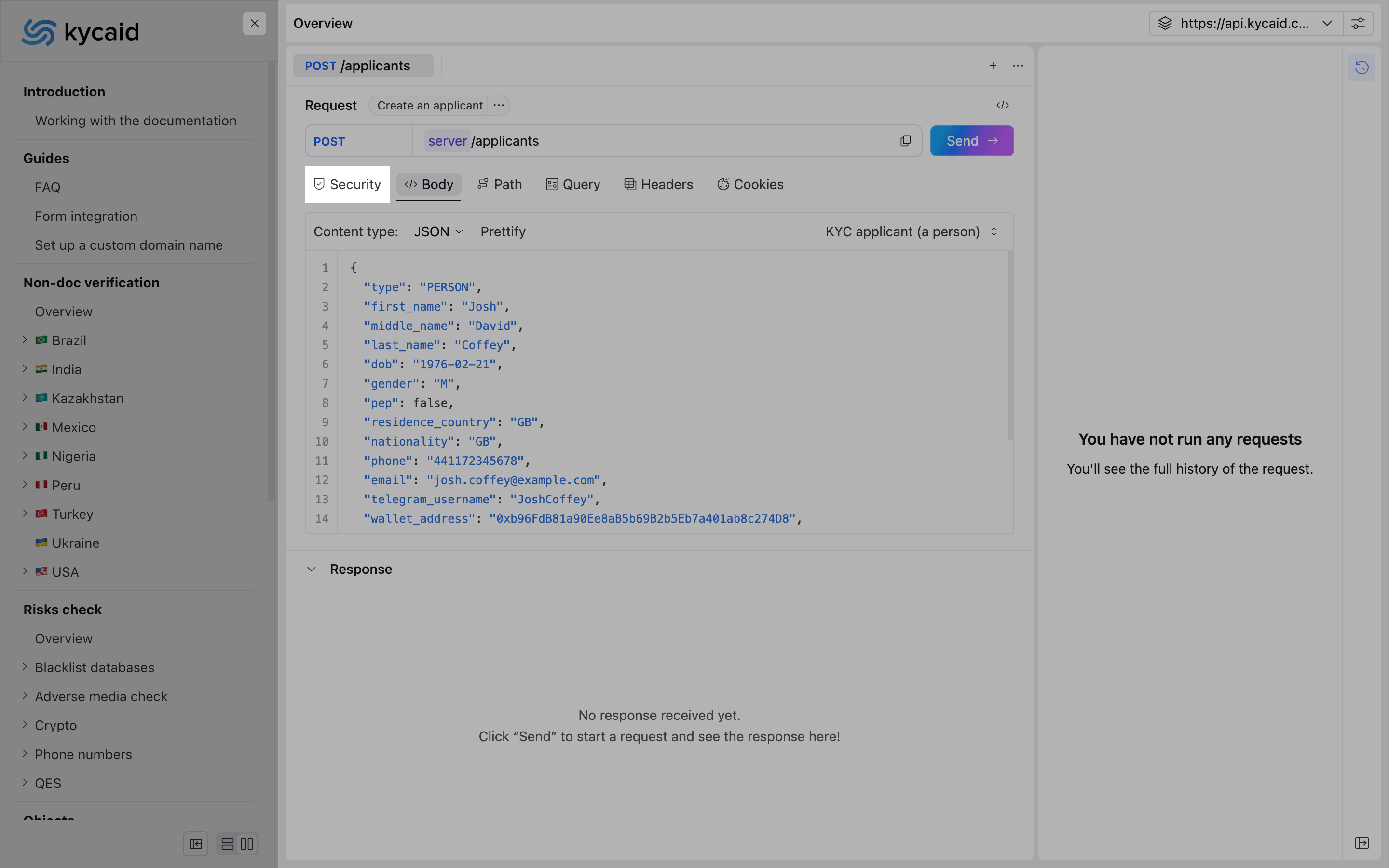
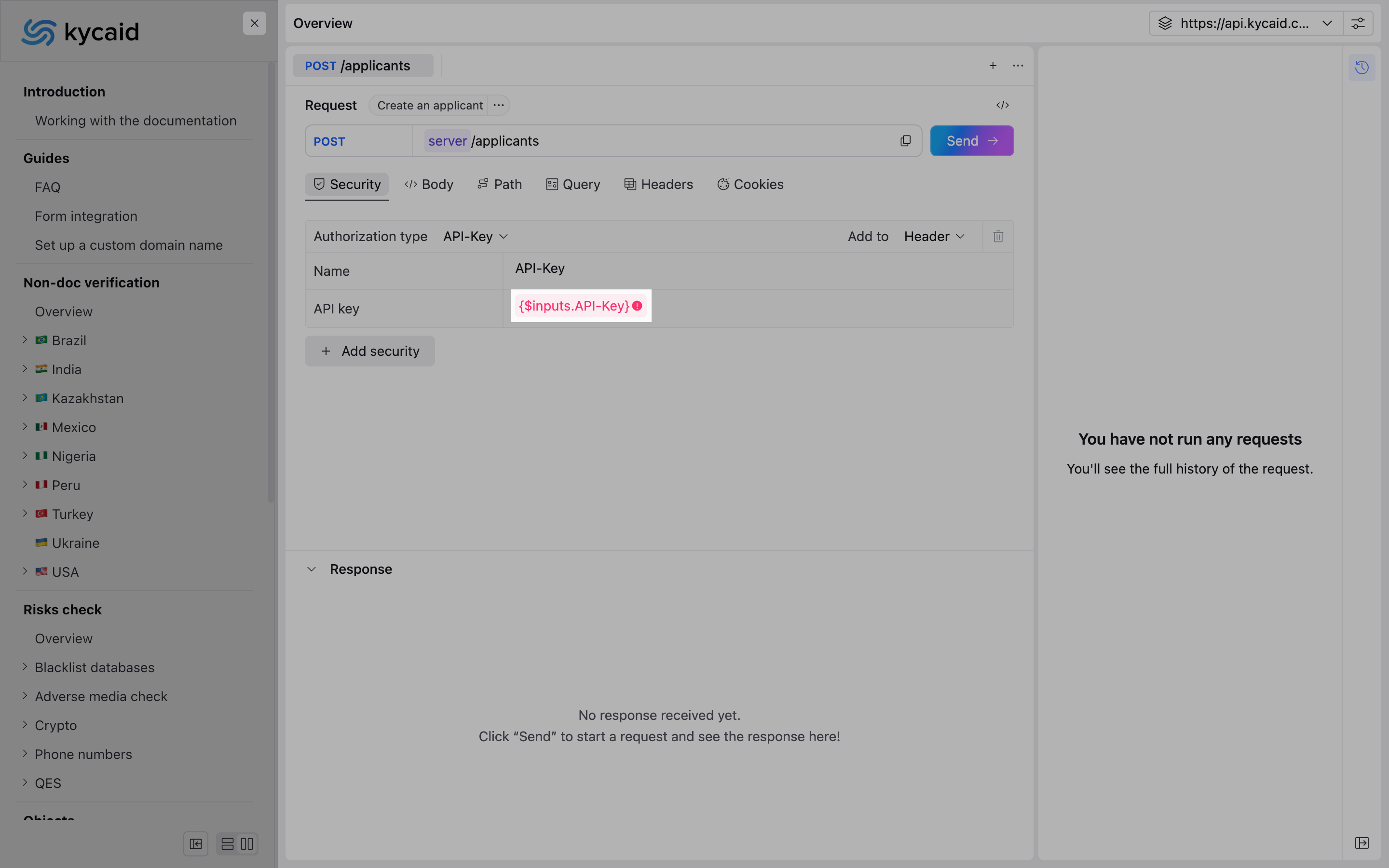
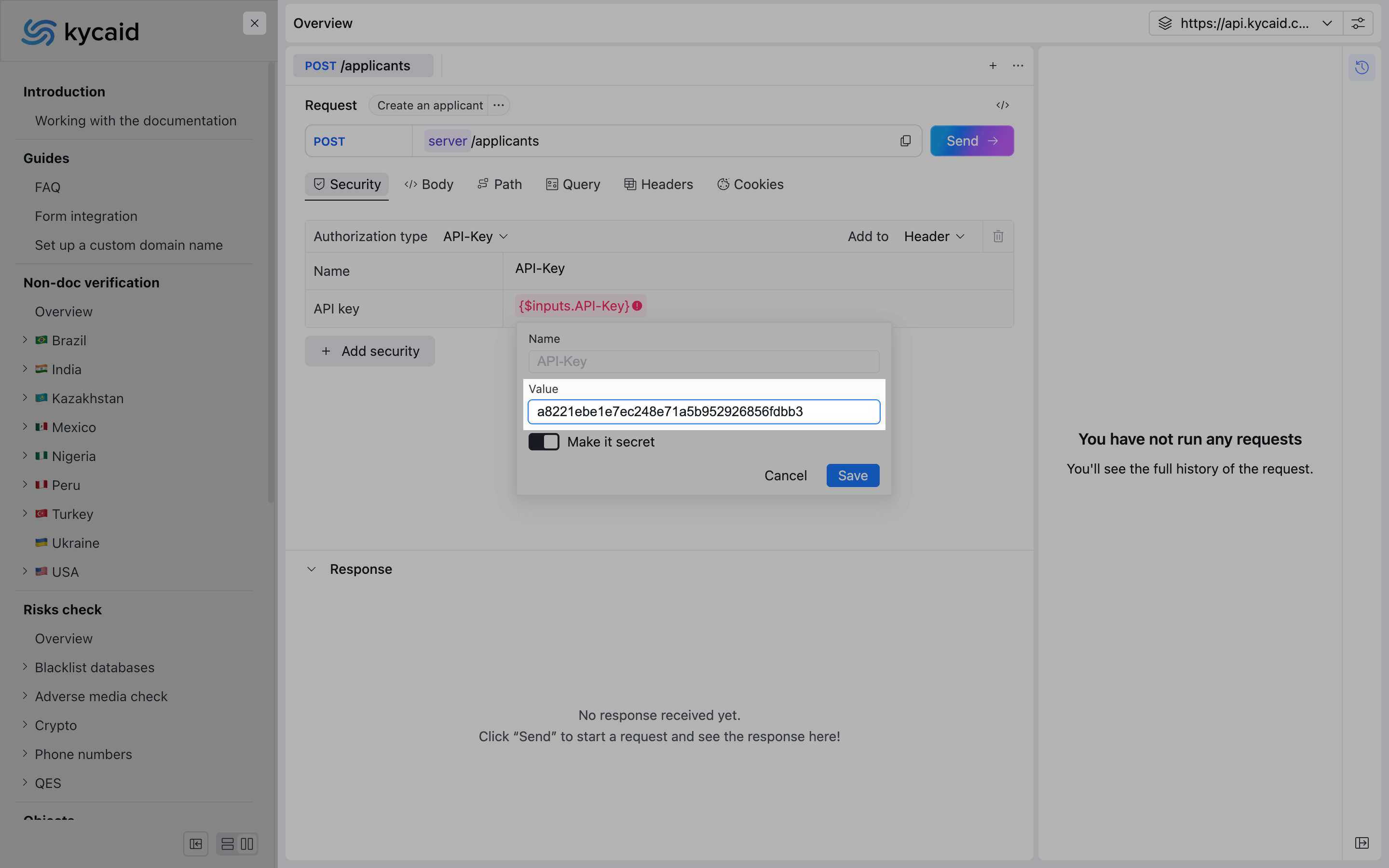
- Click the Security tab for API key settings
- Hover the {$inputs.API-Key} variable and click the Set value button
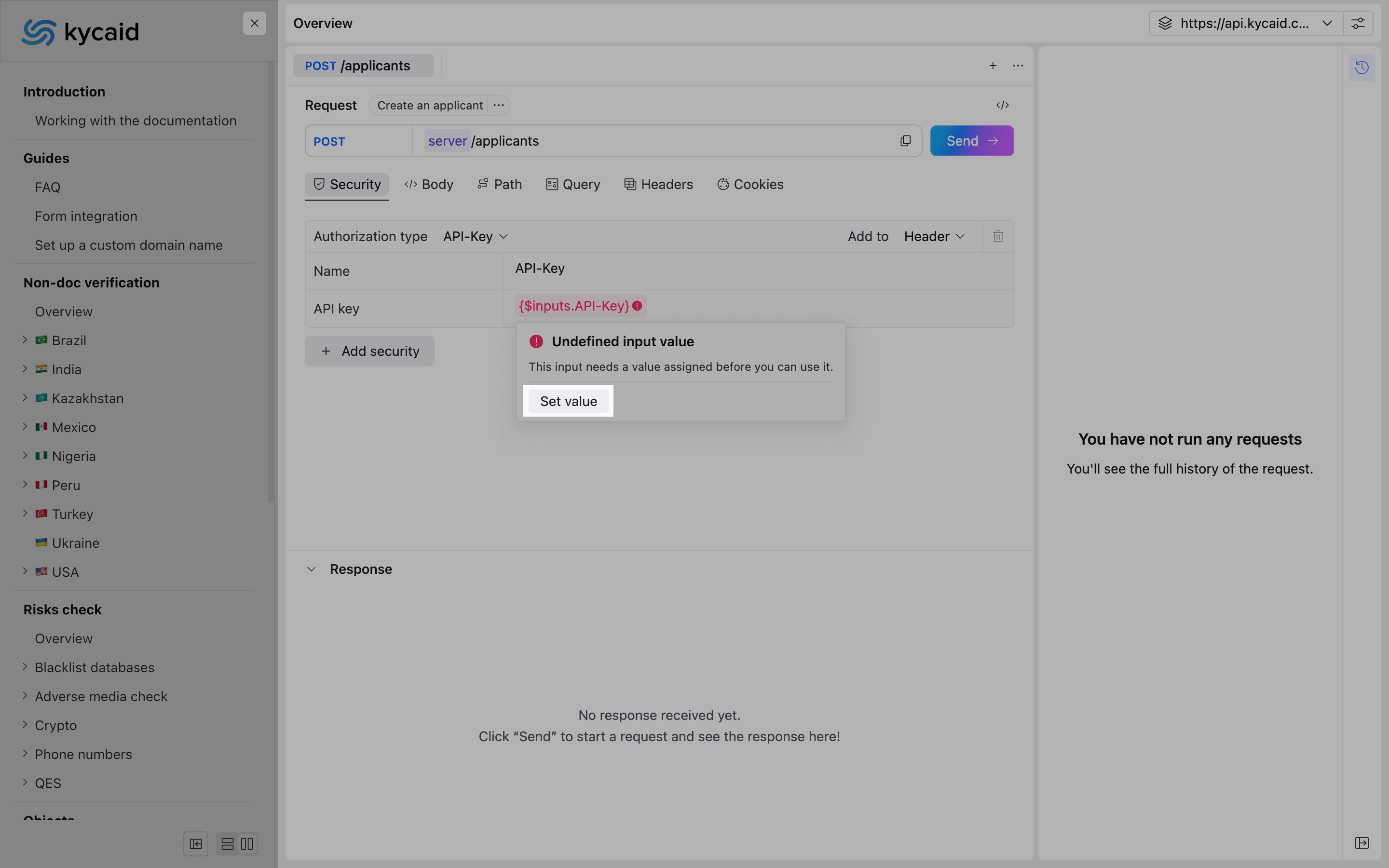
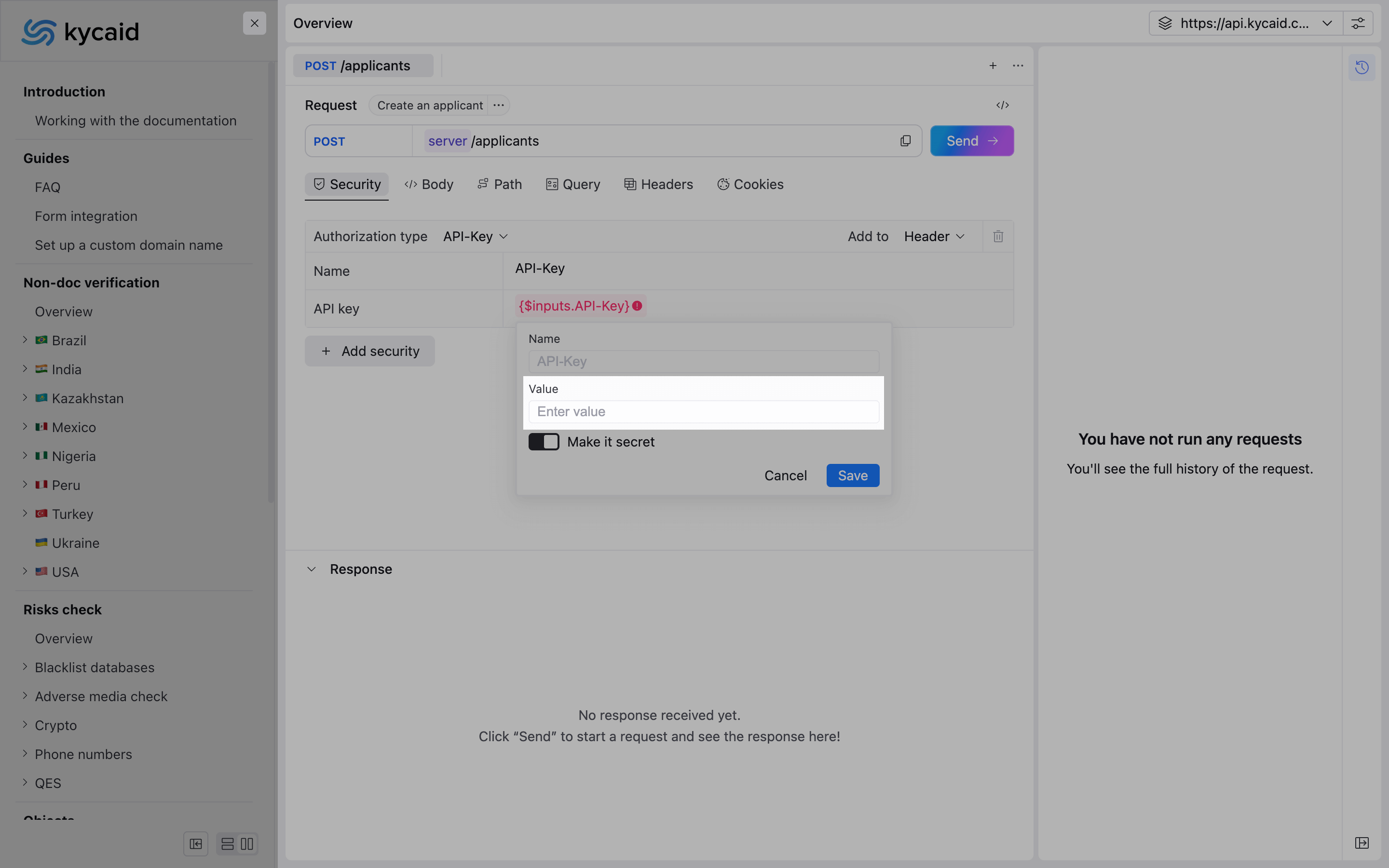
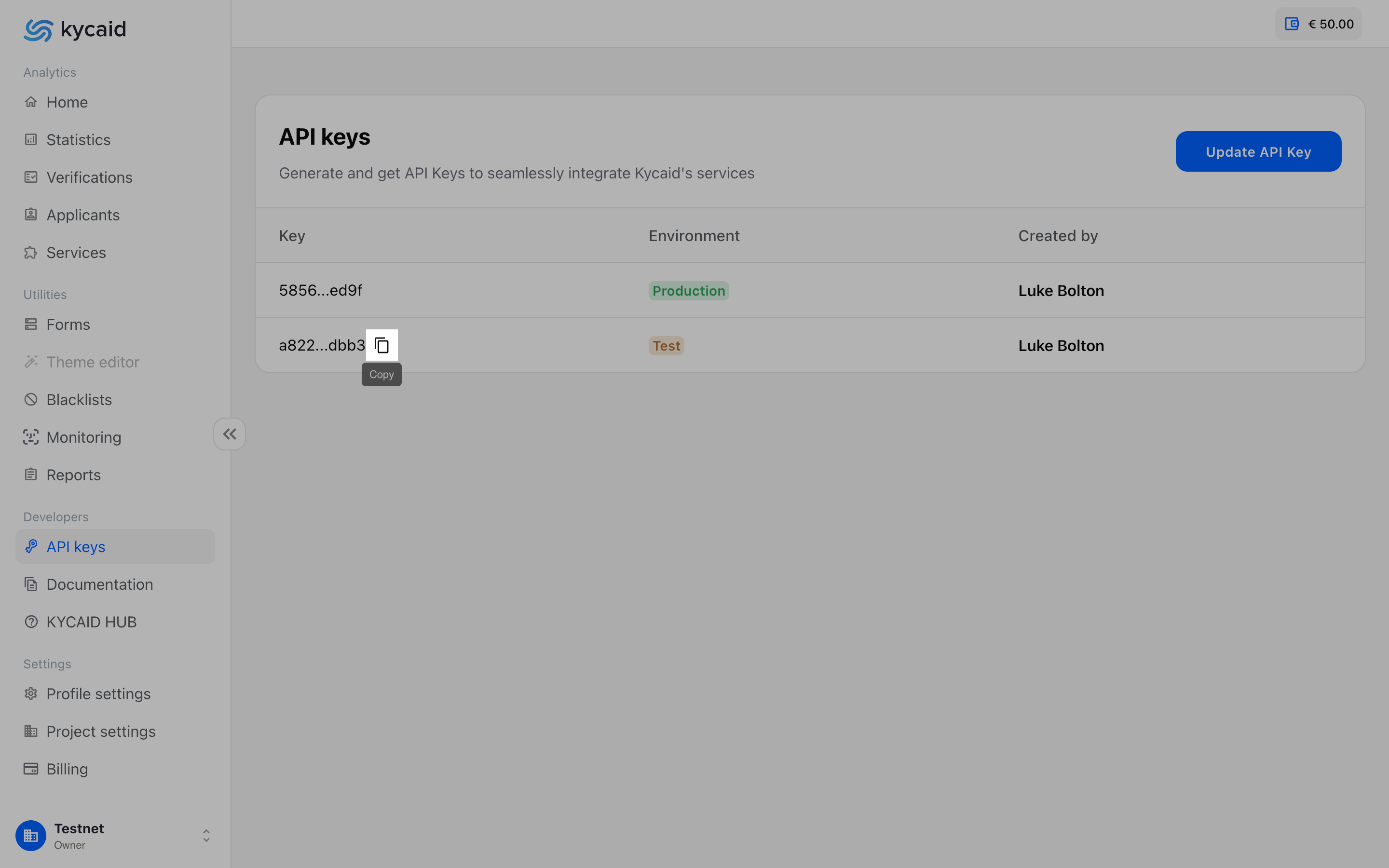
- The Value input field will appear. You may find your API key in the API keys section in the Dashboard. Copy and paste your API key into the Value input field. The key will be stored only in the local files
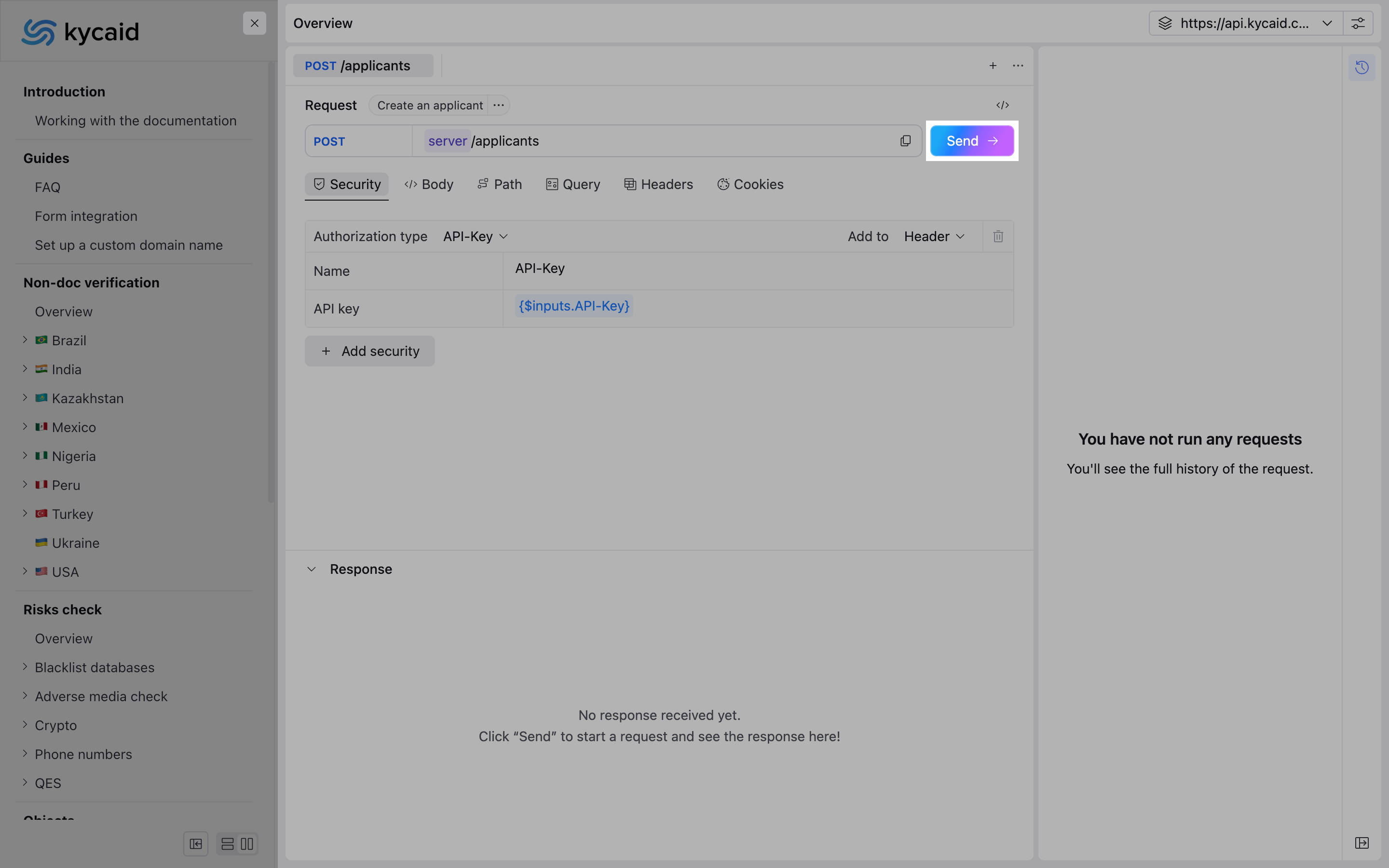
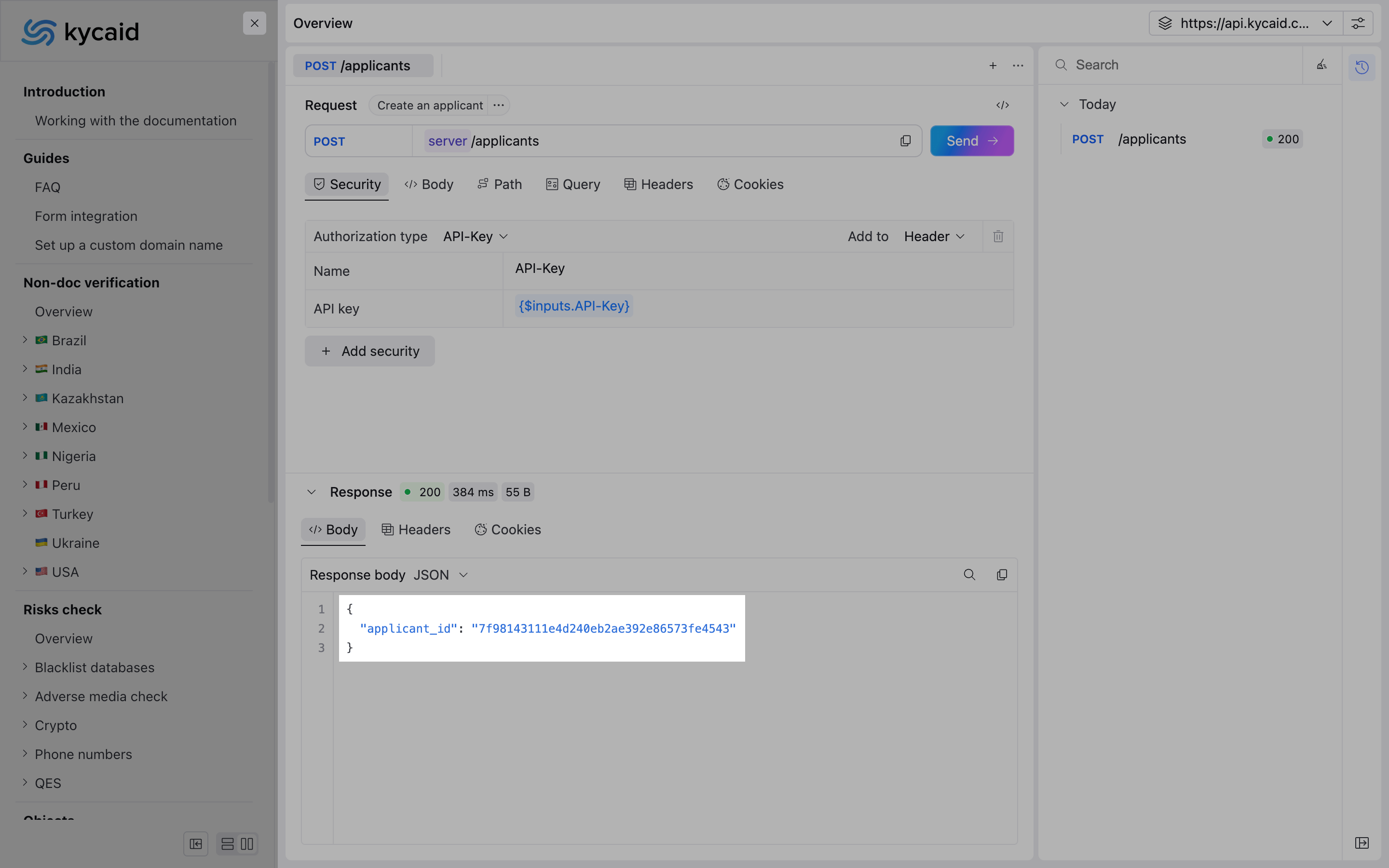
- Perform the request by clicking Send button and observe results